Google Chrome
Safe, fast, and reliable browsing with Google Chrome

Safe & Secure
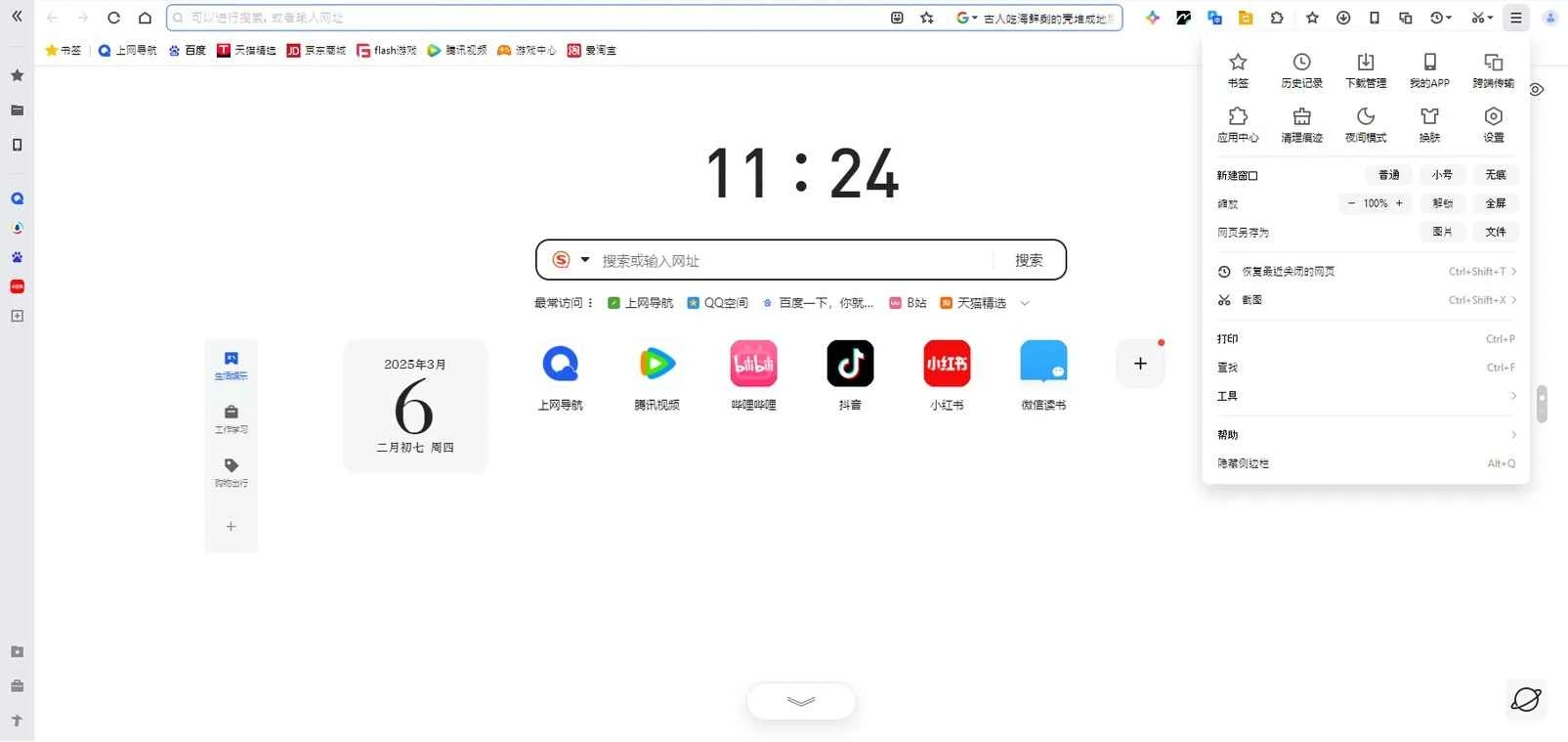
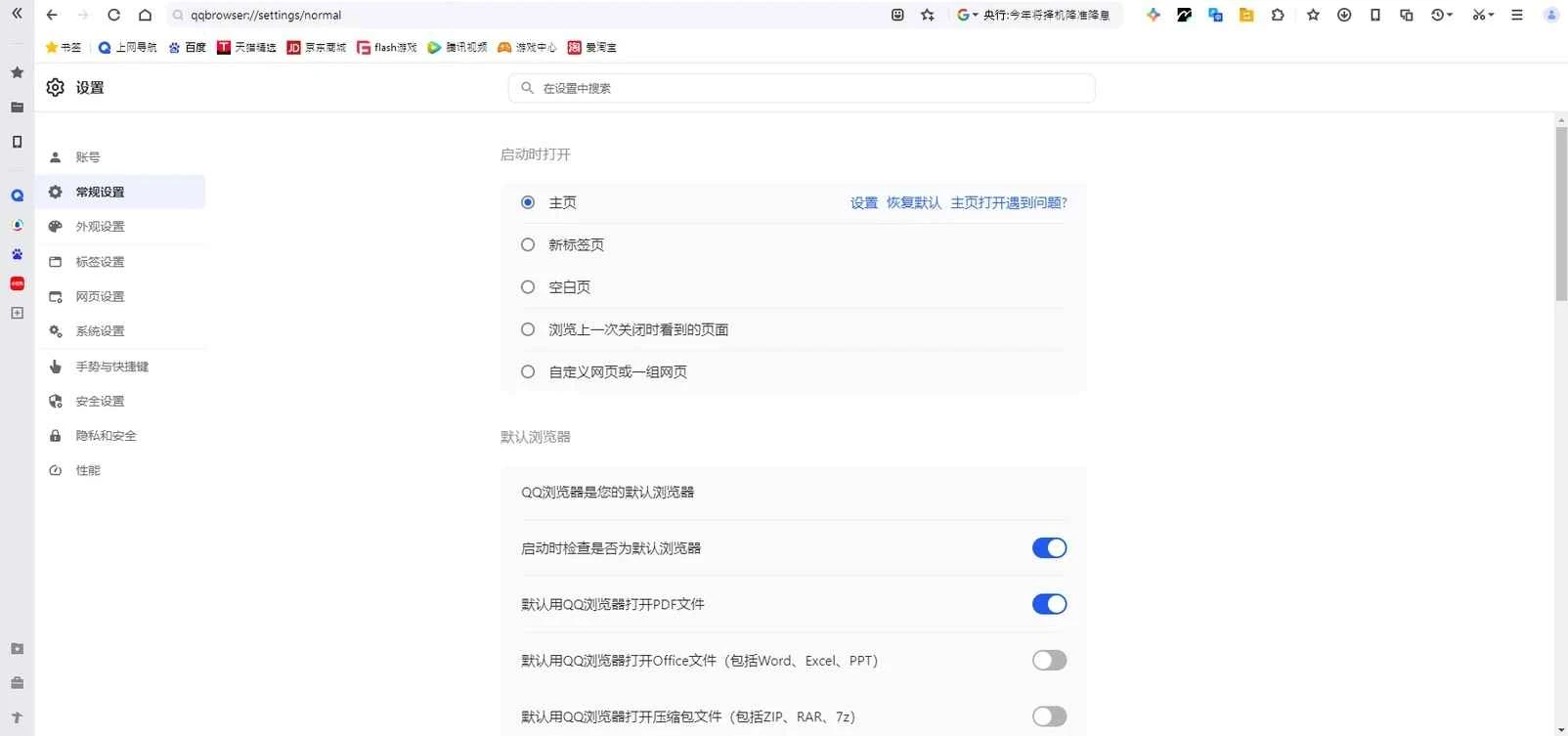

QQ Browser is one of the most powerful Chinese web browser to offer robust performance and blazing-fast page-loading speed. It has an advanced rendering engine and a customizable interface to make your browsing experience quick and efficient, avoiding all types of issues related to speed and security.
It is the best combo of basic and AI-powered browsing workstation, as it offers AI search, AI office features, and multiple video tools. The built-in functionality, such as a download manager, news reader, and so on, is also part of this stunning utility.
QQ Browser is a Chromium-based Freeware web browser, developed by Mainland Chinese technology company Tencent, Inc., and falls under the Internet category. It is embedded with two browser engines, including WebKit and Trident. It is basically designed for Chinese-speaking office users, heavy tab users, and students as well.
The app, based on Chromium, enables users to add Chrome extensions to enhance productivity, and integration with multiple social media apps such as WeChat makes it a versatile choice for users who want performance and convenience.
The user interface with a clean layout proves to be the best combination of simplicity and functionality, offering smooth navigation across all functions. You will find all main functionality, including favorite websites, bookmarks, and browsing history, on the main screen. Multi-tab support enables users to open multiple pages simultaneously, ensuring an enhanced multitasking environment.
The app offers fast performance with data-saving capabilities, such as compressing data usage, enabling users to manage their workflow, even in areas with slower internet connections. So, you will be capable of loading pages quickly and improve your browsing experience. The utilization of the latest technology ensures a smooth browsing experience, even on an unstable network.
With the release of QQ Browser 5.0 in 2010, dual rendering engines were implemented in the app: WebKit and Trident. The addition of dual rendering engines makes it possible for the app to receive a huge variety of upgrades, enabling users to make awesome changes in different scenarios, such as a streamlined user interface, fast processing of web pages, and finally moving to the Chrome engine.
The integration of a built-in search option makes your access to your desired content quickly and easily. When you start typing, the app offers related recommendations for streamlining the search process. In addition, a built-in news feed is also available to deliver the latest updates from multiple sources. It is the best option, enabling you to stay in touch with new trends, current events, and topics as well.
The app features an ad blocker to minimize irritating interruptions, enhancing the power of online browsing. It quickly cleans all types of advertisements, such as pop-ups, banners, and so on, to enable users to focus on the main content. It helps to manage all of your browsing experience according to your preference, as reducing advertisements on any web page can maintain your attention on your main content.
The support for a huge collection of multimedia formats enables users to run multimedia files more reliably, without switching to other apps for the purpose. So, you can view your videos, images, and others effortlessly. The optimized speed reduces loading times, offering smooth transitions between pages. Moreover, you can use night mode, specifically for nighttime, to restrain eyesight issues, and an awesome reading mode is available to enhance readability and adjust the view of articles. You can adjust the font size, style, and color using the editing panel. You can activate/deactivate the modes right from the settings menu.
It is one of the core features, as it makes your online browsing safe and secure, offering private browsing mode and avoiding storing your browsing history. It is the best solution, specifically for users who are more concerned about their online privacy and security. Moreover, it offers multiple encryption technologies to make your online transactions and interactions foolproof.
The availability of multiple customization options helps to enhance the appearance and other settings according to your preferences. Apply new themes while selecting from an extensive theme library, and personalize settings, tailoring a browsing experience as you want. The user-friendly design accommodates various user needs, such as voice search and adjustable text sizes to enhance usability for different requirements.
Pros
Cons

Safe, fast, and reliable browsing with Google Chrome

Opera offers the best browsing functionalities including built-in VPN, ad-blocker, and Turbo mode.

Fast Browsing with offering Cutting-edge Security and Speed.

UC Browser for PC, the leading mobile browser now available for PCs

Cent Browser is a Chromium-based browser with seamless browsing online

Firefox can display a large number of pages and extra capabilities that can help you online very fast.